
The metronome is unexpectedly unpopular. At least with the rest of my family. I, on the other hand, like it. My old Yamaha electronic drum kit had a training function where the metronome would drop out for a set number of bars after playing for a set number of bars. It also featured a metronome where the click sound could be adjusted independently for different note values. My current electronic drum kit is probably too pro-level for that. An accent on the 1 is all it offers. Unfortunately, I’m no pro. So, I went looking for a replacement in the Google Play Store and spent a few euros testing out various apps.
The original text of this post was created by my human intelligence in German. The translation was a collaboration between man and machine. The man was I and the machine was Google Translate.
Gap Click by Benny Greb
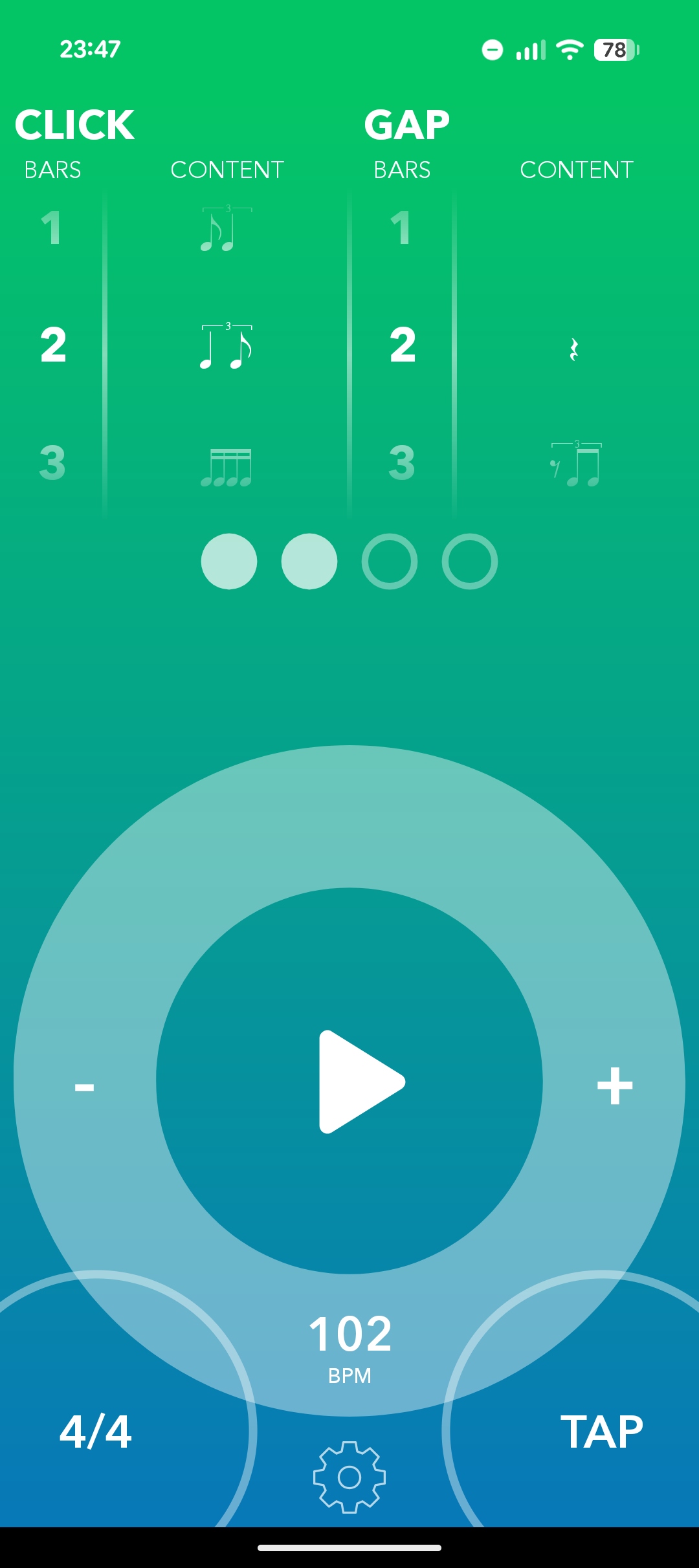
The good news first: this app is easy to use. For around 3 euros, you get a metronome with a gap function for practice. This app is very pro-level. Much like my current kit module. The metronome can only accent the 1. There is a selection of different metronome sounds (e.g., clave, agogo, or cross-stick). All the beginner-friendly frills are absent. However, I find it helpful when quarter notes sound different from eighth notes or sixteenth notes. Still, you can at least choose the number of audible bars, the number of silent bars, and the note value to be played within the bar. For instance, the app can also handle shuffles. Something my old electronic drum module couldn’t do. The Yamaha metronome’s triplet mode would always dutifully count out 1, 2, 3, 1, 2, 3, 1, 2, 3, 1, 2, 3…
Time Guru
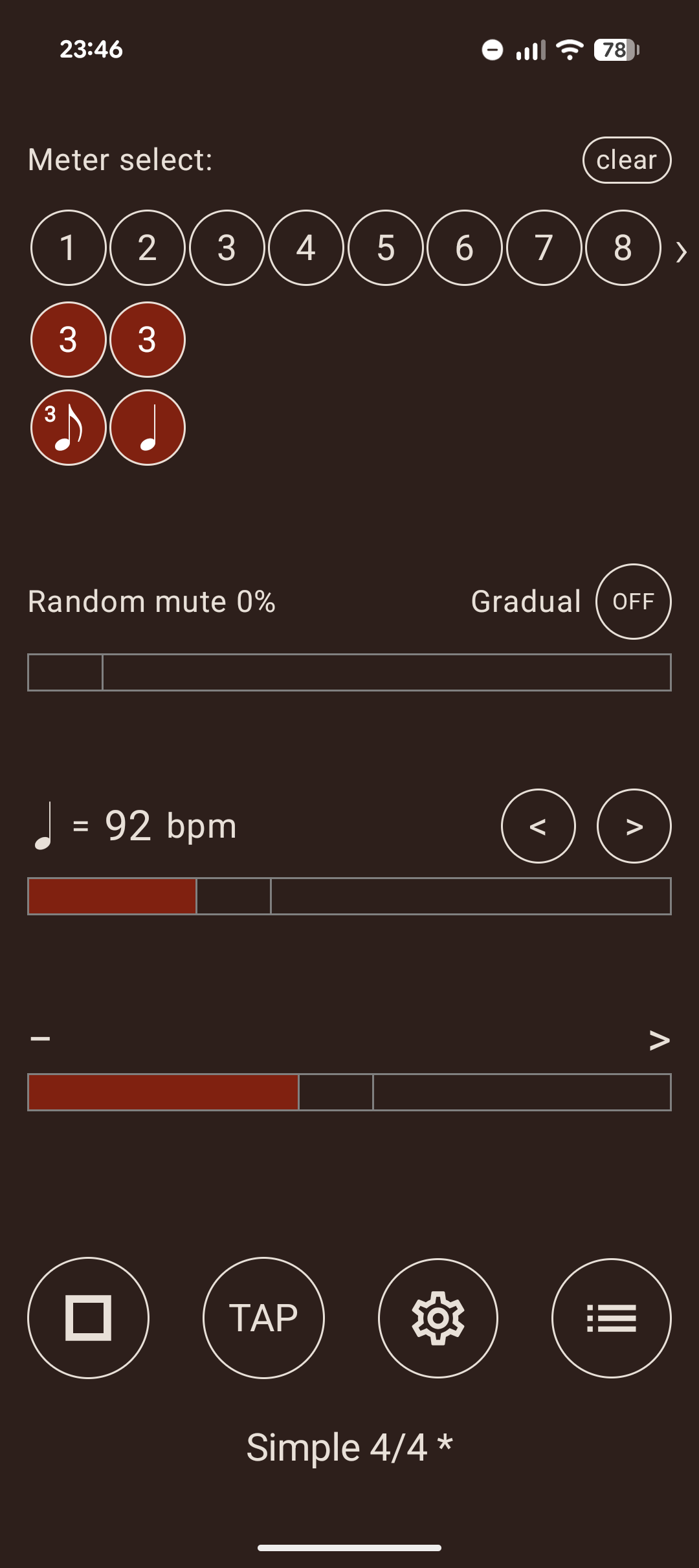
This app also costs around 3 euros and isn’t exactly intuitive to use. At least, not without an explanation. Once you have the explanation, though, it’s actually not that difficult. You can assemble various time signatures. In the configuration menu, the first step is to select the number of clicks for the upcoming bar. You can then decide which note value should be played repeatedly. The example in the screenshot shows three 8th-triplets followed by three quarter notes. The first beat of every measure is accented. For instance, if you select a measure consisting of two eighth notes, the first one sounds accented. Consequently, quarter notes and eighth notes sound different. It isn’t as convenient as on my old electronic drum kit, but it works well enough. Overall, however, I find the operation a bit too cumbersome. Finally, it is worth mentioning that you can choose between different types of metronomes here as well.
Rhythmbot
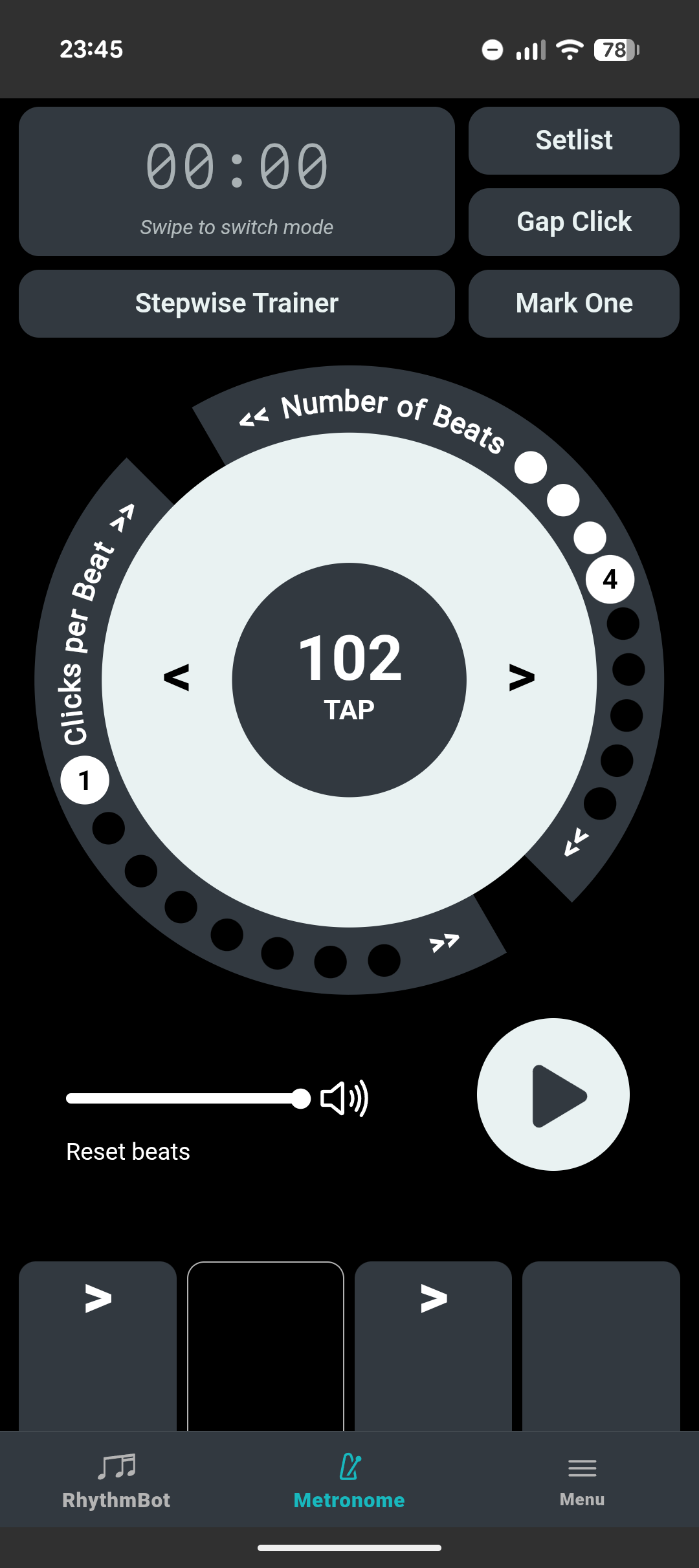
Rhythmbot—costing somewhere between 5 and 6 euros—is more than just a metronome. The app displays random grooves, and you have to tap the screen in time with the rhythm. Unfortunately, this didn’t work for me when using headphones, even after calibration. And even better than tapping on the phone would be beat detection via the microphone. That way, I could play the rhythms on a practice pad or an actual drum kit. That would be much more fun. Further, if I could input my own rhythms instead of just tapping along to randomly generated ones, I’d certainly use the rhythm-part more often. As it stands, I hardly ever use this gamified feature. The metronome itself, however, is very useful. In terms of settings, such as making different note values sound distinct, it comes quite close to the metronome on my old drum kit. Operation is simple and intuitive. You can set the number of beats and the clicks per beat. It includes a gap function. And it is the only app to offer the ultimate killer feature: a timer. This means I no longer need to keep a clock running in a separate window. Very handy. But I couldn’t find a setting to make the metronome shuffle. Triplets, of course, are there . Unfortunately, you can only silent a beat but not a click of a beat.
Soundbrenner
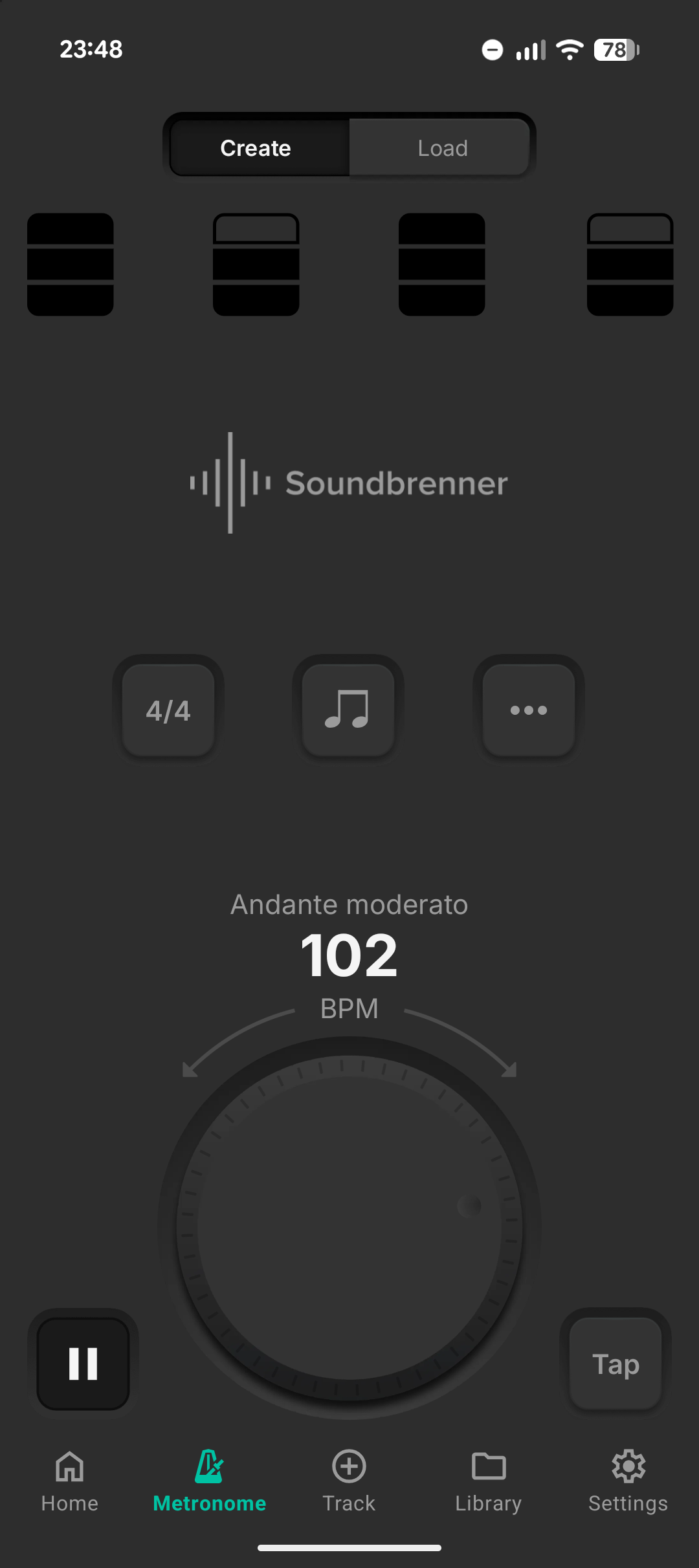
You can use the free version of the Soundbrenner metronome indefinitely. It tries to sell you something every now and then, but you can safely ignore that. In terms of features, it leaves nothing to be desired. Each beat can have a different sound, and it supports shuffle rhythms. Unfortunately, the gap click is only available for a minimum of €5.99 per month. You get even more stuff with it, but that doesn’t interest me right now. Since I got Rhythmbot, I hardly ever use this app anymore.
Conclusion
I mostly use Rhythmbot as a metronome with a gap click. I hardly ever use the rhythm sampling feature*Incidentally, the rhythms play back snare and kick samples and are randomly sampled.. Sometimes, when on the way, I simply listen to the metronome with a gap click and try to think of or tap out various rhythms.